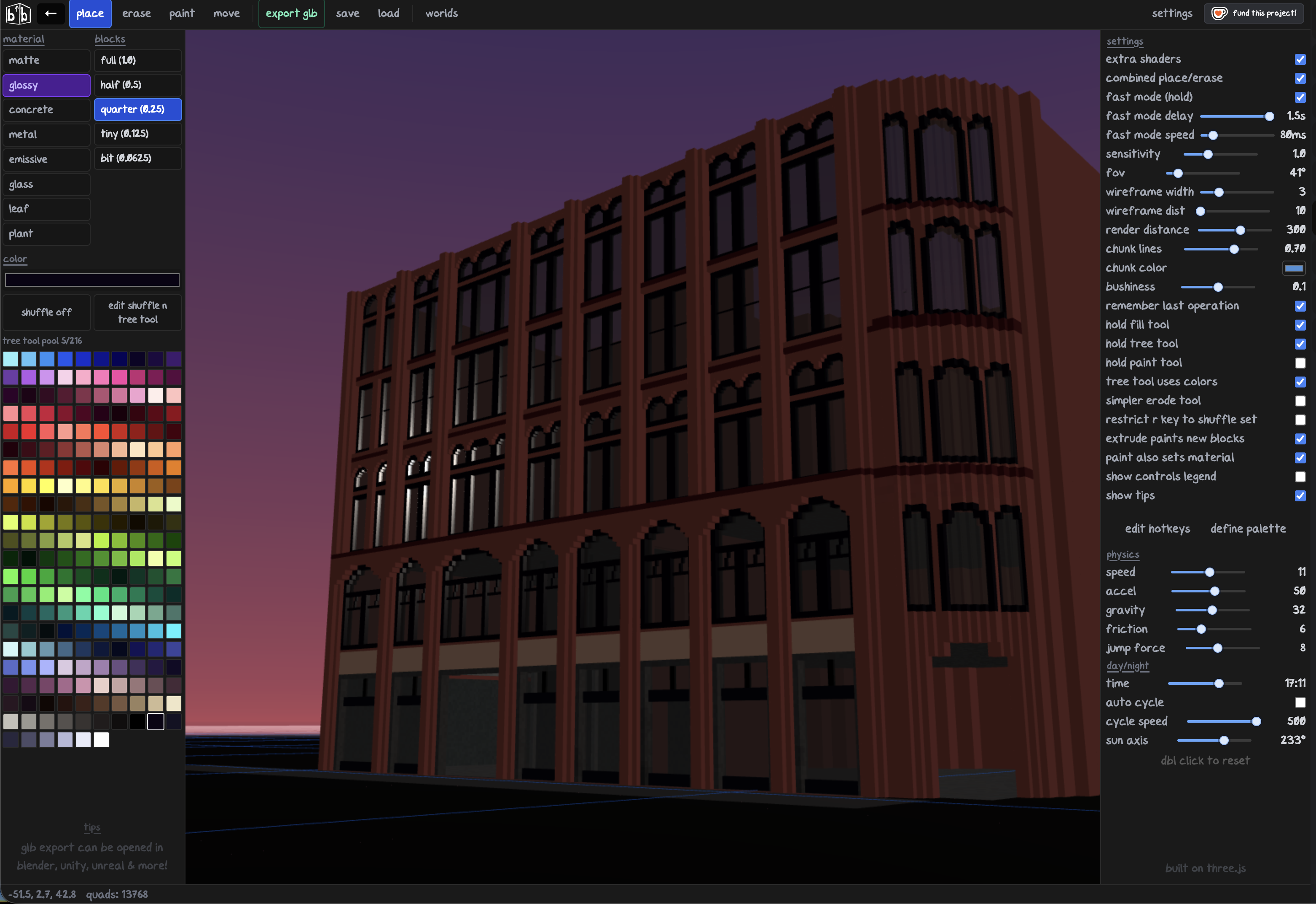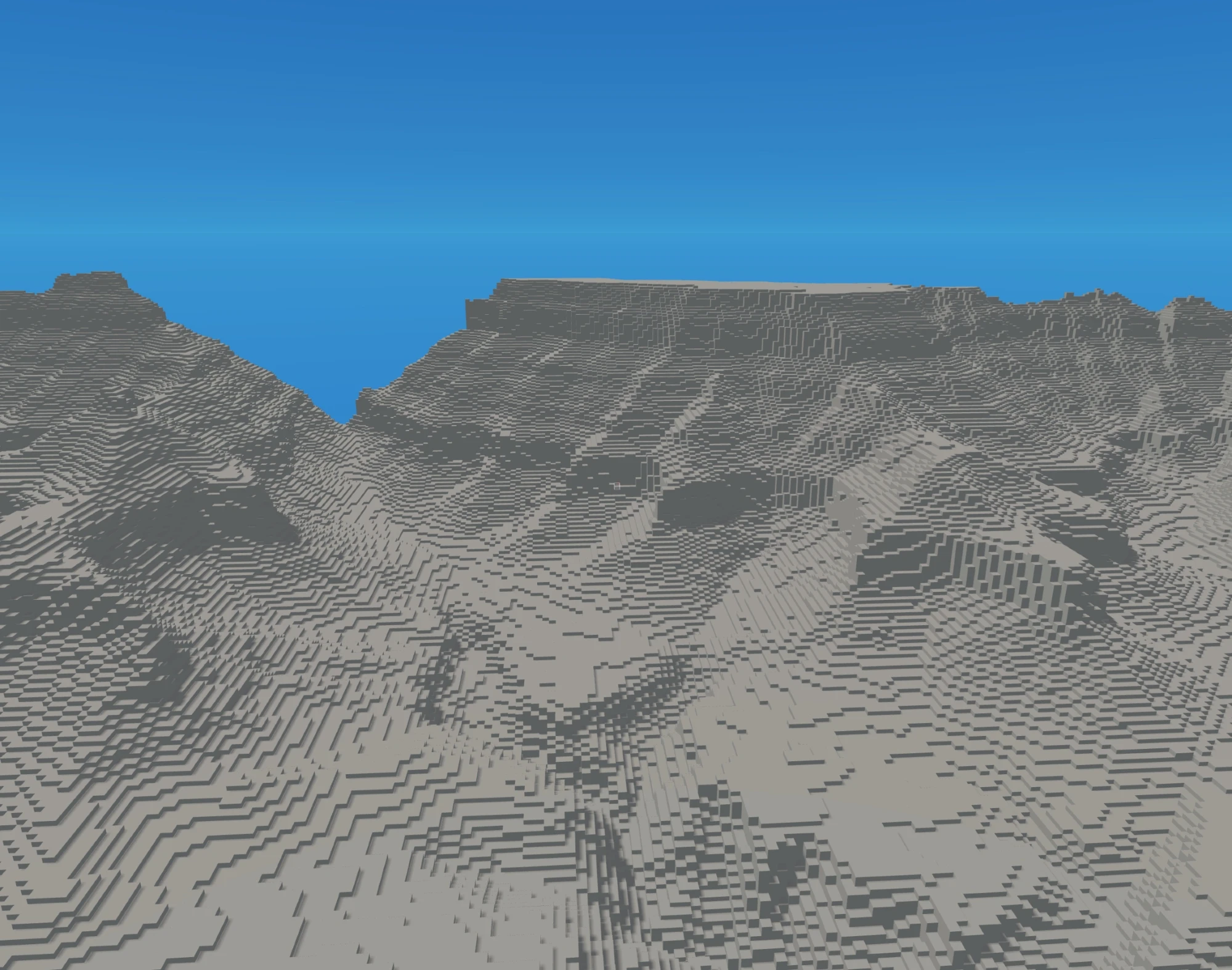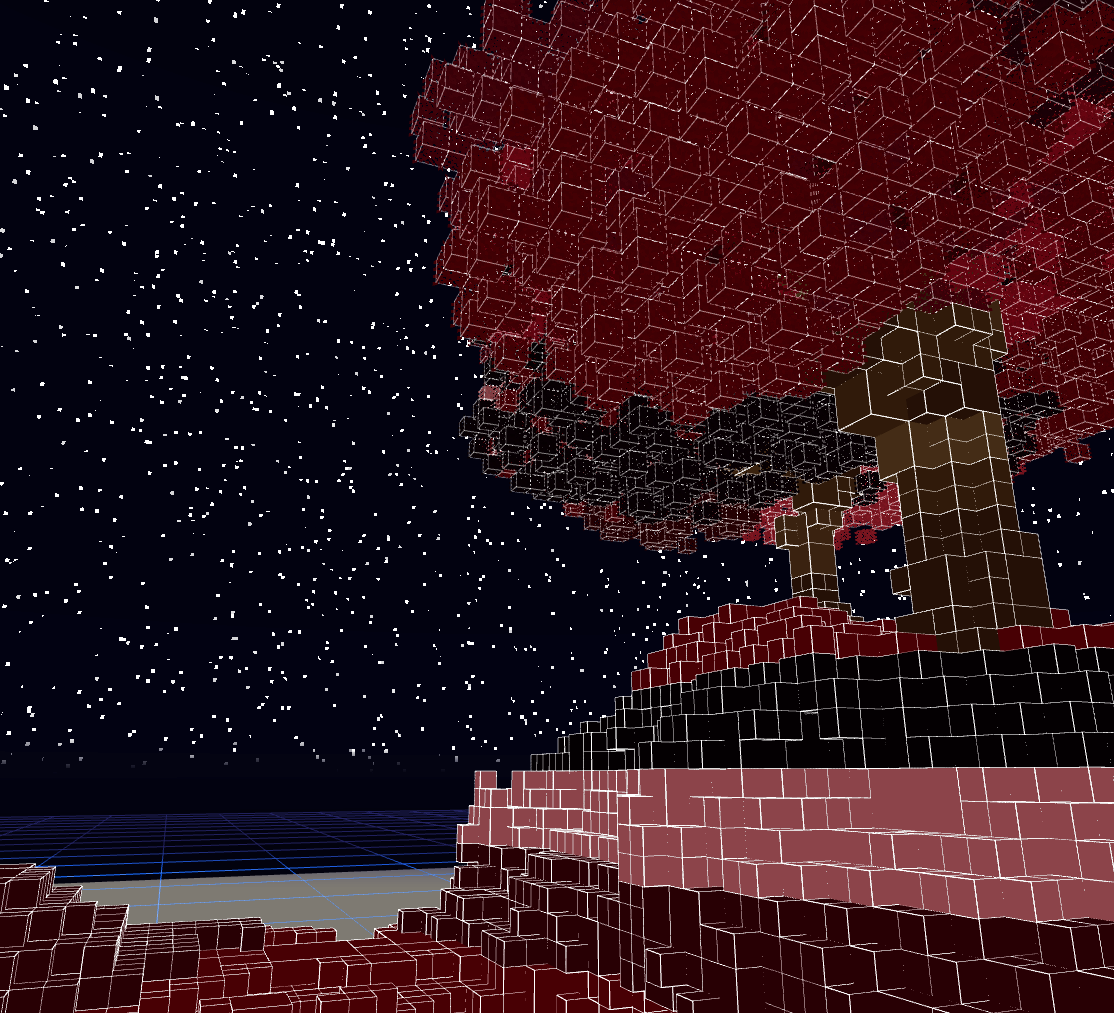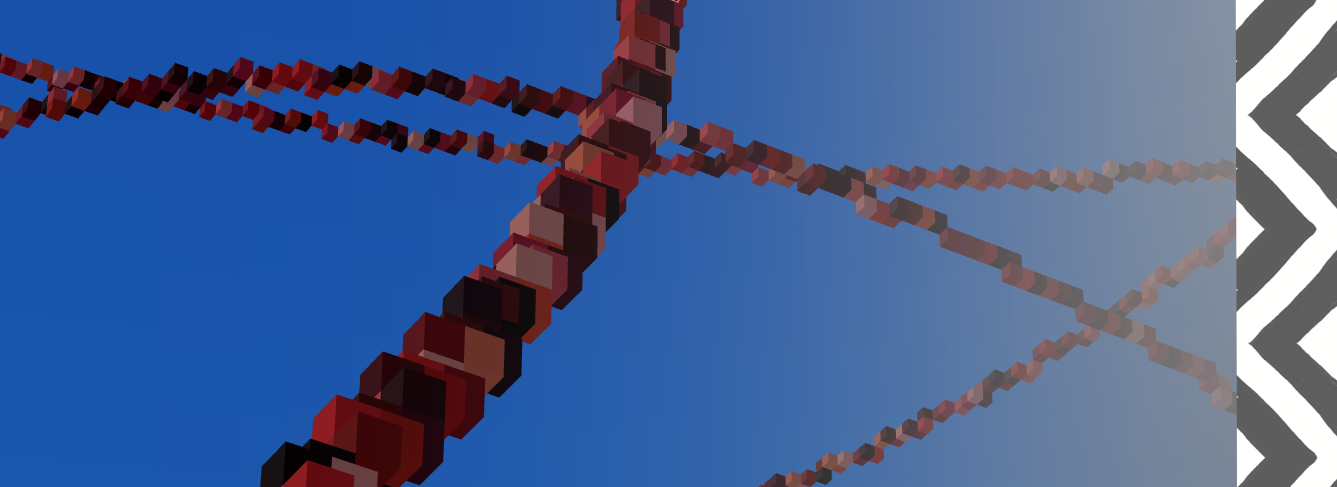
think minecraft mixed with a touch of blender and smaller grids ^^ all in your browser! play @ https://mistys.art/boxblock

boxblock

a voxel block builder that runs in a single tab. build stuff, paint it, fill volumes, grow trees, and much more!

getting started

click the page to lock your cursor. move around with WASD, jump with SPACE, look around with the mouse. right click to place blocks, left click to place.

press ESCAPE to unlock your cursor and access the ui panels.

block sizes

there are 5 block sizes, each one is half the previous, so if theres a gap in your grids; it can always be filled in by another size!

full ; half ; quarter ; tiny ; bit

materials

cycle through materials with M. option+M to paint with material.

material description
mattestandard flat finish
glossyshiny reflective surface
concreterough textured surface
metalfull metallic reflectance
emissiveglows and emits light
glasstransparent, see-through
leaftree foliage (used by tree tool)
plantvegetation/grass (used by tree tool)

tools

place (default)

right click to place blocks. one at a time.

erase

removes blocks. in combined tools mode (default), X on a block does a connected delete; removes all touching blocks of the same color and material. shift+X ignores color matching and deletes all connected of same material

paint (P)

paints blocks with your current color. has multiple modes you can cycle with H:

  • color ; paint with current color
  • darken ; darken blocks
  • lighten ; lighten blocks
  • hue ; rotate the hue

paint spread radius is controlled with [ and ] (0 to 2.5). X in paint mode does a connected paint instead of connected delete.

pick (Q)

grabs the block size, color, and material from whatever you click. reaches up to 300 blocks away.

fill (F)

fills a 3d volume between two points. click once to set the first corner, click again (or press F) to execute.

fill modes (cycle with H):

  • solid ; fills the whole volume
  • shell ; hollow box, walls only
  • frame ; just the edges/outline
  • walls ; wall surfaces

press X during fill to erase/carve out the volume instead of filling it. press R to extrude; pushes same-sized groups of blocks one layer at a time.

hold fill tool; enable in settings to keep the fill tool armed after each execution so you can rapid-fire fills without re-pressing F.

line (L)

draws lines of blocks between two points. click to set start, click again to draw.

modes (cycle with H):

  • single ; one line between two points
  • chain ; keep clicking to add connected segments

arrow keys control curve; LEFT/RIGHT for side curve, UP/DOWN for lift.

ellipse (J)

creates rounded shapes between two points.

modes (cycle with H); shell, frame

profiles (cycle with H); dome, sphere, cylinder

controls during ellipse:

  • arrow keys adjust squash ratio
  • 1-5 sets thickness
  • R rotates

tree (0)

procedural tree generator. click to place a tree at the cursor.

6 tree families:

  • royal garden ; formal ornamental tree
  • european forest ; birch-style tree
  • north american forest ; conifer with tiered branches
  • ground bush ; low shrub
  • leaves ; decorative foliage spray
  • grass ; ground cover

each family has tier controls for height, branching, crown spread, etc. trunk thickness goes from 1-5.

hold tree tool; like hold fill, keeps tree tool armed for rapid placement.

erode (9)

sculpts/erodes block edges. hold to keep eroding. "simpler erode tool" option in settings limits it to half-blocks only.

move (G)

select blocks and move them around.

  • click to select, click again to commit
  • arrow keys to nudge (SHIFT+arrow for 10x)
  • R to rotate 90°
  • C to copy the selection
  • P to paint the selection
  • ESCAPE to cancel

copy (C) and paste (V)

C copies your selection, V pastes it.

during paste:

  • F to flip
  • R to rotate
  • [ ] to change repeat count
  • arrow keys to nudge position

colors

the left panel has a full color picker with hex input, color swatches you can save, and a shuffle system.

hotkey action
Ecycle to next color
Rrandom color
Ktoggle shuffle mode

shuffle mode; when enabled, every block you place picks randomly.

hotkey customization

all hotkeys are rebindable. access the hotkey settings through the settings panel. you can reset individual keys or all keys back to defaults.

save / load

worlds auto-save to browser storage. you can load previous worlds or start fresh from the load menu. palette data (swatches, shuffle slots) is saved with the world.

tips

  • use fill F → erase X to carve out geometry fast
  • fill F → extrude R pushes blocks one layer at a time
  • pick Q grabs size + color + material in one click
  • connected delete X removes all same-color touching blocks instantly
  • copy C → paste V → repeat with [ ] for patterned structures
  • hold fill tool lets you rapid-fire fills without re-pressing F
  • the erode tool 9 is great for softening hard edges
  • teleport T to jump to wherever your cursor is pointing
  • noclip O lets you fly through everything
  • SHIFT plus TAB for top down view!
Updated 3 hours ago
Published 8 days ago
StatusReleased
CategoryTool
PlatformsHTML5
Authormisty
Tags3D, Creative, glb-export, Low-poly, Pixel Art, Sandbox, Singleplayer, toolbox, voxel-art
AI DisclosureAI Assisted, Code

Leave a comment

Log in with itch.io to leave a comment.